
Online Course
Exclusive to Gold & Silver Kit customers only

Guide
⇩
Quick Start
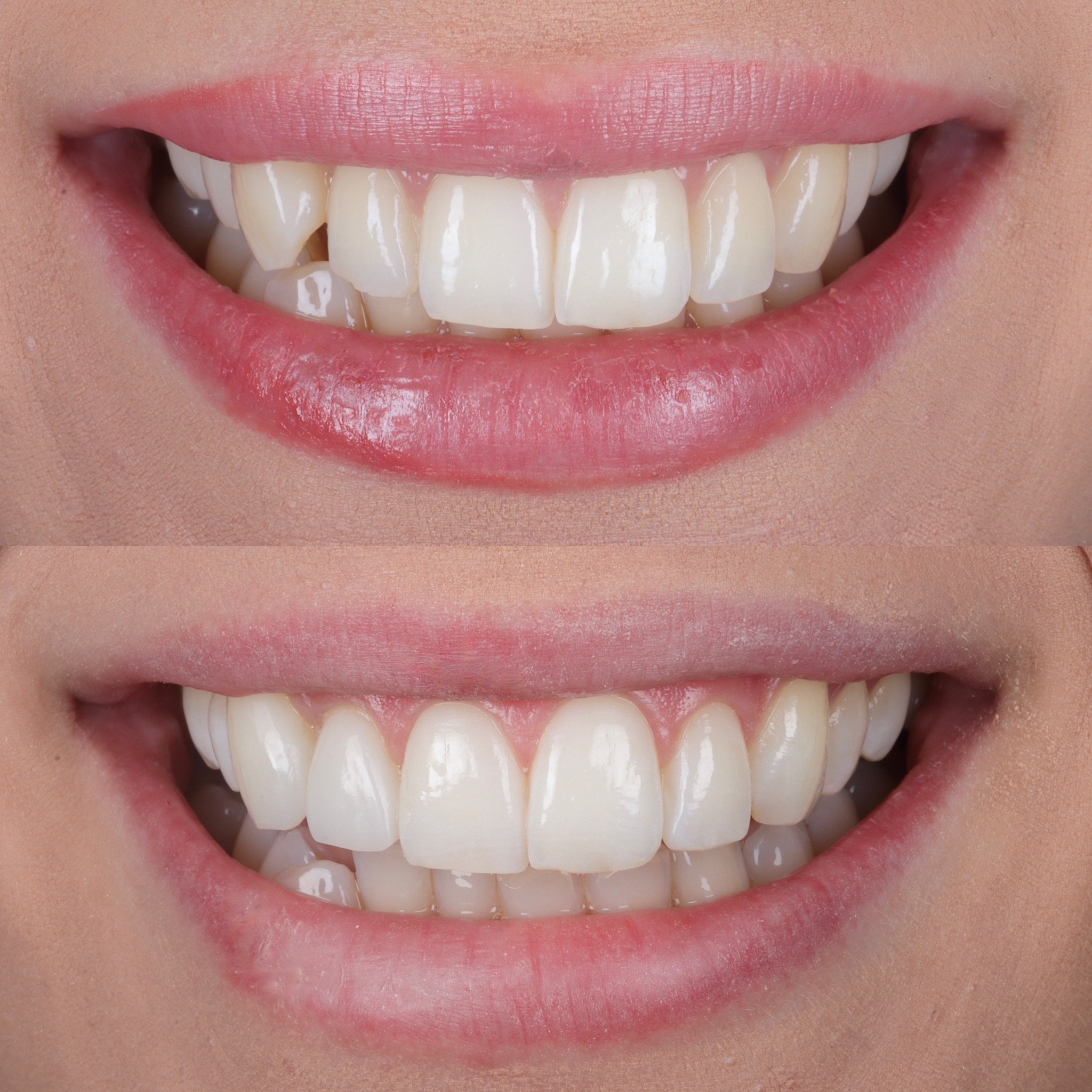
Improve your colour accuracy
Please ensure you input the following settings into your camera body to achieve the correct colour accuracy when using your f:ocus diffusers
White Balance (Select the ‘K’ input)
Set ‘K’ input to 4300K-4700K
Adjust K value up & down until correct
If your camera does not have the K input option: Select the daylight/sunlight preset then locate the WB Shift/Bkt. setting and move the curser towards ‘B’ until the colours look correct and less orange
Picture Style: Use Standard or Neutral
f:ocus | Let’s Get Connected
Retake this course?
Retaking this course from the beginning will reset all of your tracked progress.

FREE downloads
Need more 1 to 1 support?
Purchase a f:ocus FaceTime session here